Changelogs
Stay up to date with the latest changes and enhancements.
Stay up to date with the latest changes and enhancements.

04. May 2026
Share
 New Features
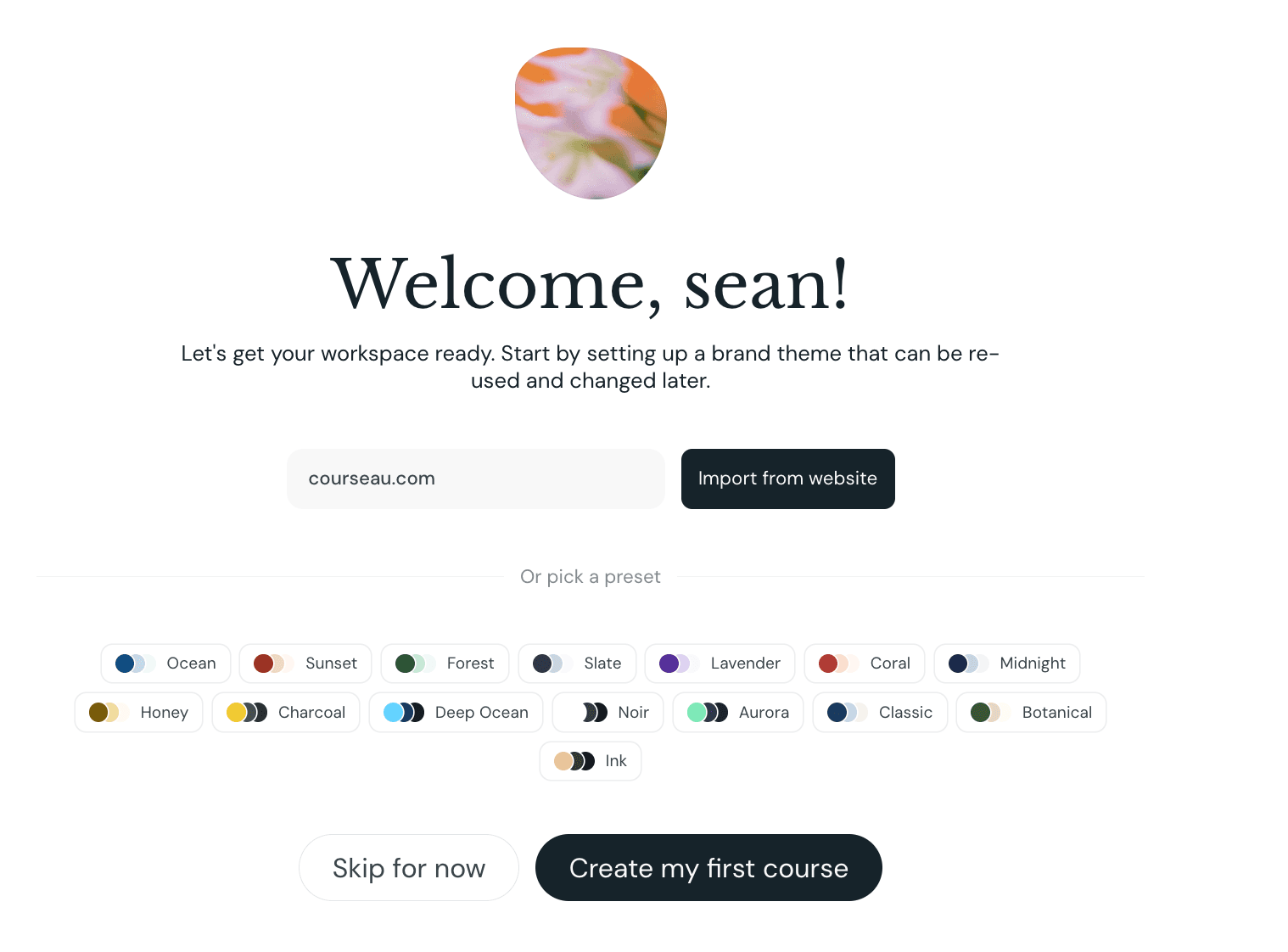
- Brand theme setup wizard for new users: Added a guided first-run experience that walks new users through creating their first brand theme. You can extract colors, fonts, and a logo automatically from your company website, or pick from a set of presets, before creating your first course.
- Image lightbox in course preview: Clicking an image in course preview now opens it fullscreen so learners can read diagrams and graphics in detail. The lightbox supports keyboard navigation and screen readers, and respects reduced-motion preferences.
- Manage learner profile presets: Added a dialog to manage learner profile presets directly from the Learner section, making it easier to reuse audience definitions across courses.
 Bug Fixes
- Topics field now saves typed text on blur: Text typed into the Topics field is now added as a topic when you click out of the field, instead of being discarded unless you pressed Enter.
- Dragging onto activity blocks now works: Fixed a bug where dragging an element from the sidebar onto certain blocks (such as quizzes and matching activities) did nothing or showed no drop indicator.
- Dragging items into Details blocks no longer replaces card content: Dragging a new element into a Details (collapsible) block now inserts the element instead of wiping out the existing card content.
- Audio menu hidden on cover page: Removed the audio narration menu from the cover page, where narration isn't generated and the controls had no effect.
 Improvements
- Larger character limit in list editors: Raised the character limit in list-style fields (Lesson Objectives, Exam Objectives, etc.) from 700 to 2,000, with a clear visual warning when you reach the cap so it's obvious why typing has stopped.
- Editor menus now follow focus instead of hover: Block menus in the editor now appear when you focus a block, with clearer outlines around the active element. This makes it easier to know which block you're editing and avoids multiple menus showing at once.
- Default course-creation mode highlighted: The course creation type selector now highlights the default option and dims the others, making it easier to scan all options before choosing.